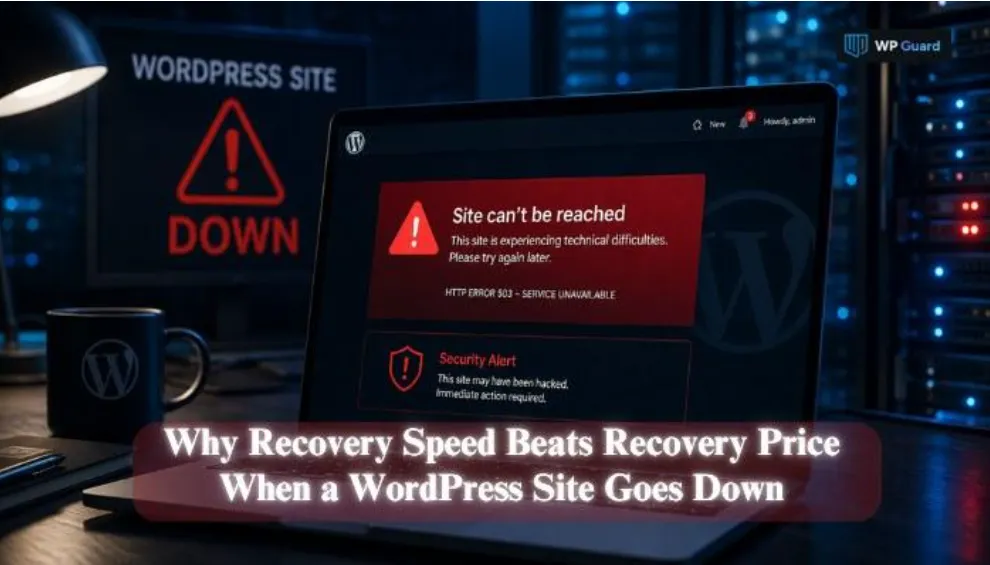
Why Recovery Speed Beats Recovery Price When a WordPress Site Goes Down
A hacked WordPress site can become completely frozen within minutes. One moment your store is taking orders, and the next, checkout is down, and visitors are bouncing. Most owners panic and reach for the cheapest fix they can find.
But here’s the catch: price rarely tells you how fast you’ll be back online. Plugins like WP Guard build their whole process around getting sites live again. And that difference ends up determining how much damage your site takes.
The article covers what downtime really costs you and why recovery speed beats that price tag. It also shows what a proper WordPress hack recovery involves.
Let’s get into it.
What Happens the Moment a WordPress Site Goes Down
A hacked WordPress site stops earning the moment it goes down, and the damage quickly starts stacking up (and yes, even a few minutes count). Checkout pages break, contact forms stop working, and visitors leave before they ever see what’s wrong.
Search engines notice the outage too, and repeated downtime can chip away at rankings you worked hard to build. Now, have a look at what that downtime can cost your business in action:
Why Every Minute of Downtime Costs More
Ever wonder what an hour offline really costs you? Many businesses underestimate the financial impact until it actually happens.
After tracking recovery timelines across dozens of hacked sites, we found that the pattern is always the same. The cost will keep climbing the longer the fix is delayed. And these losses scale with traffic, so busier sites feel the outage hardest and fastest.
On top of that, search rankings can slip too. Search engines flag repeated downtime as a reliability issue. That’s the direct cost breakdown, but there’s more to lose than revenue alone.
Company Size Changes How Much You Lose
A company’s size often determines how severe the financial impact becomes. A small blog losing a day of traffic stings, but it rarely threatens the whole business.
Consider a small online store making $500 in daily sales compared with a larger retailer making $15,000. One day offline puts $500 at risk for the smaller store, while the larger business could miss $15,000 before recovery costs even enter the picture.
Larger companies face compounding losses too. Outages like these hit customer support, marketing, and sales all at once. However, companies with more staff often restore operations faster after an outage.
Recovery Speed vs. Recovery Price: Which One Wins?
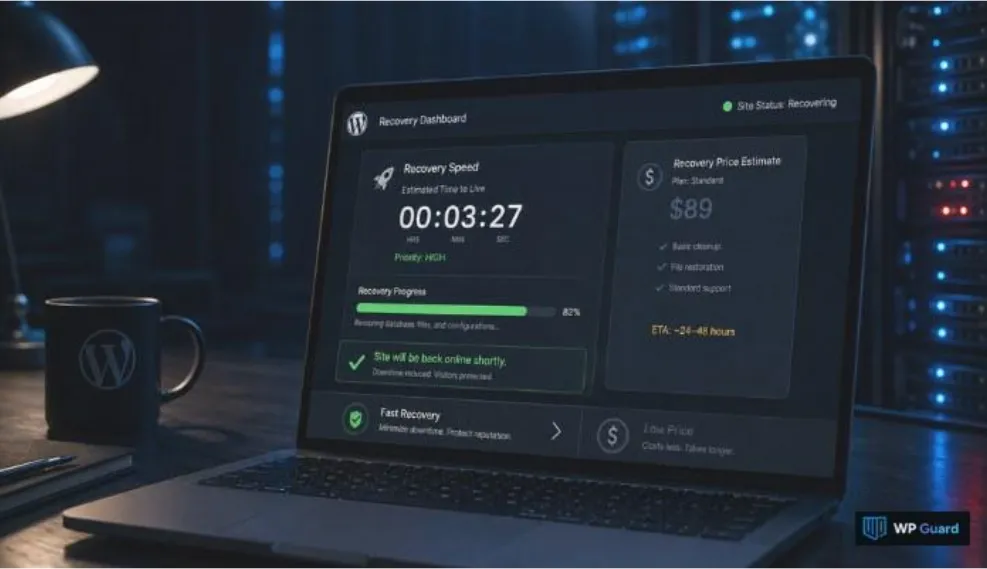
Cheap recovery options often take longer to finish the job, and the delay silently increases the overall cost of downtime. On the flip side, fast recovery costs more upfront, but it limits the damage happening every extra hour offline.
So, what really happens when recovery takes longer than expected?
Why Recovery Speed Should Come First
Recovery speed protects revenue in a way price alone never will. Every extra hour offline adds to lost revenue, so speed directly protects your bottom line. That makes recovery time a better way to compare your options than choosing the cheapest service available.
Most site owners would rather pay more for quick recovery than save money while the damage spreads. At the same time, fast recovery limits how much damage malware can cause before it’s fully removed. The longer an infection sits, the more it costs to undo.
Search engines also deprioritize sites with frequent or long outages. So speed ends up protecting your visibility, right alongside your revenue.
Can You Really Put a Price on a Fast Fix?
As we mentioned, a slower, cheaper fix might save money upfront, but it usually costs more in lost sales overall. So, the math rarely works out in favor of waiting.
The following table gives a breakdown of what each option tends to look like:
| Recovery Type | Typical Cost | Typical Downtime |
| Budget fix | Lower upfront cost | 3-7 days |
| Fast recovery service | Higher upfront cost | A few hours to 1 day |
Faster recovery services often include monitoring, which helps prevent the same hack from happening again. Either way, paying for speed is really paying to protect the revenue you’d otherwise lose waiting.
Now that you know why speed is important, here’s what a proper WordPress hack recovery involves.
What Real WordPress Hack Recovery Looks Like
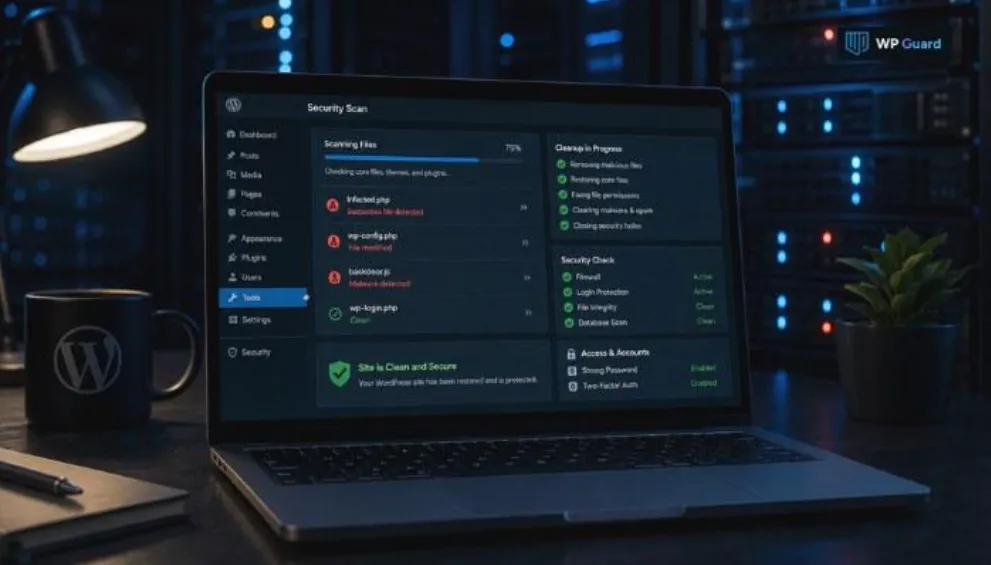
A WordPress hack recovery process covers malware removal, security fixes, password resets, and checks to confirm the site is clean. It also means closing the entry point attackers used, so the same hack doesn’t happen twice. Otherwise, you’re just cleaning up the same mess again next month.
Recovery works best as a series of coordinated steps rather than one rushed fix. The first steps often determine how smoothly the rest of the recovery goes:
Remove Malware and Clean WordPress Files First
Cleanup starts with tracking down every infected file, instead of just the ones that look suspicious.
Malware often hides inside WordPress core files, plugins, or themes (plugins are usually the first place worth checking). A proper scan checks the root directory, the .htaccess file, and every folder in between.
For example, WP Guard checks every core file and plugin before calling a cleanup complete. The system has pulled malware out of files that looked completely untouched at first glance. That’s why a surface-level scan rarely catches everything on the first pass.
Malware also often returns when the original entry point stays hidden. Updating WordPress, plugins, and themes to their latest versions closes off many of those attack paths.
Once the files are clean, one step still can’t wait.
Change Passwords Before You Do Anything Else
Hackers often keep access through leaked or weak passwords, even after malware gets removed. This means resetting every login tied to the site. Every admin account, wp-admin login, FTP access, and database password needs a fresh, unique reset.
That includes the hosting account and wp-config.php file too, since both can hold saved credentials. A manual backup before you start gives you a safety net if anything goes wrong. Testing each login afterwards only takes a few minutes.
Skipping these credential resets can leave attackers with access, allowing them to reinfect the site after you remove the malware. A complete credential reset closes that access and reduces the risk of another infection.
Get Your WordPress Website Back Up Without the Guesswork
Recovery speed beats recovery price almost every time a WordPress website goes down. Downtime costs can rise quickly, and business size affects the overall financial impact. Choosing the cheapest fix can also mean staying offline for longer.
A proper WordPress hack recovery goes beyond a single malware scan. It involves removing every infected file, closing the entry point, and resetting every password connected to the site. Skip any of those steps, and reinfection becomes hard to avoid.
Next time your site goes down, don’t shop for the lowest price first. Ask how fast you’ll be back up, then decide from there.